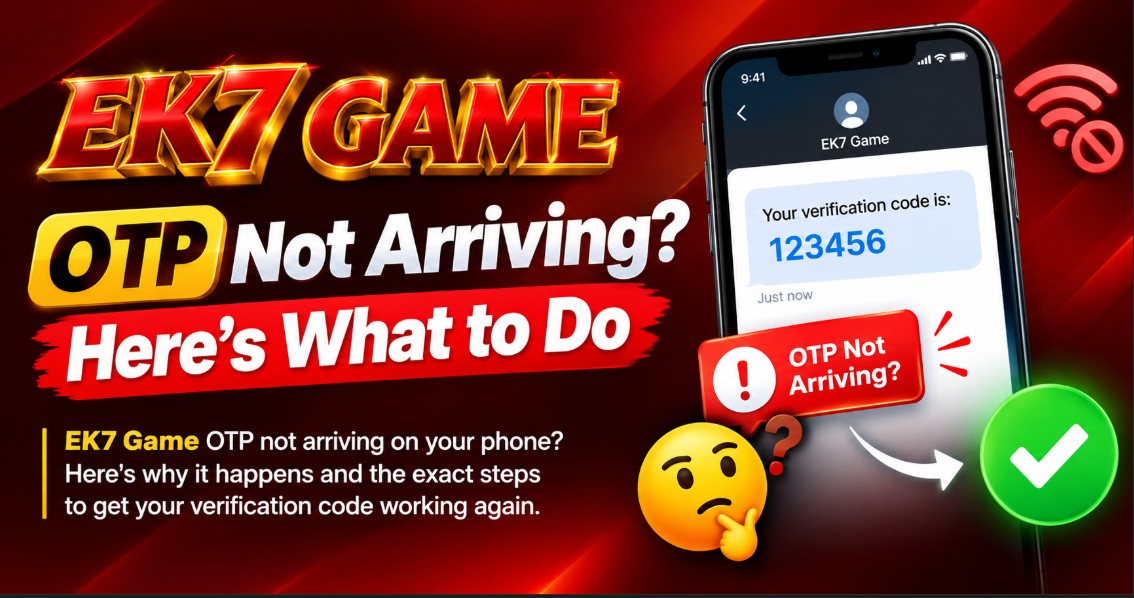
EK7 Game OTP Not Arriving? Here’s What to Do
The EK7 setup takes just a few minutes — if the OTP arrives. When it doesn’t, everything stalls. You can’t finish registration, you can’t log in, and tapping “Resend” over and over just adds to the frustration.
Here’s why OTPs get delayed and what actually fixes the problem.
Why EK7 OTPs Get Delayed
An OTP travels a long path before it reaches your phone. The app sends a request to an SMS gateway, the gateway forwards it to your mobile carrier, and the carrier delivers it to your SIM. Any delay at any step means the message takes longer to arrive — or never shows up at all.
The most common causes are:
- Weak mobile signal. SMS needs a stable connection, even a basic one. In a basement or low-coverage area, the message might not come through.
- Carrier delays. Some carriers batch SMS messages during peak hours, which can add a minute or two.
- Full SMS inbox. If your phone’s message storage is full, new messages get bounced.
- DND registration. If your number is on a Do Not Disturb list, transactional messages usually still come through — but some services fail.
- Wrong mobile number. Even a single wrong digit means the OTP goes to someone else’s phone.
- App cache issues. An outdated cache can interfere with how the app handles the OTP request.
What to Check First
Before trying anything else, work through these basic checks:
1. Verify the Number You Entered
Re-read the number on the screen. Make sure it matches your active SIM — not an old number you no longer use. If you have dual SIMs, confirm the app is using the right one.
2. Check Your Signal
Look at the signal bars. If they’re weak, move to a spot with better coverage — near a window or outside. Turn Airplane mode on and off once to reset your connection.
3. Wait the Full Timer
Most apps set a 60-second timer before the “Resend OTP” button becomes active. Tapping it early won’t work — and may actually reset the wait.
4. Check Your SMS Inbox
Some phones sort messages into folders. Look in the “Promotions” or “Spam” tabs in your messaging app in case the OTP landed there instead of the main inbox.
Fixes That Usually Work
If the OTP still doesn’t arrive after the basic checks, try these in order:
Restart Your Phone
A restart clears temporary network and SIM issues. It sounds basic, but it resolves OTP problems more often than people expect.
Remove and Reinsert the SIM
Pop the SIM card out and put it back in. This forces your phone to re-register with the network and can clear minor connection issues that don’t show up on the signal bars.
Clear the App Cache
If you’ve used EK7 before, cached data can interfere with the OTP request.
- Open Settings
- Go to Apps
- Find EK7 Game
- Tap Storage
- Tap Clear Cache
Don’t tap “Clear Data” — that will log you out and remove any local settings.
Switch Between Wi-Fi and Mobile Data
If you’re on Wi-Fi calling, switch to mobile data. If you’re on mobile data, try Wi-Fi. Sometimes the issue sits with one specific network.
Update the App
If you’re running an older version of the EK7 APK, the OTP system may have changed. Check the current version on the download page and install the latest file over the old one.
When Nothing Works
If you’ve tried everything and the OTP still doesn’t come, the issue is likely on the app’s server side. In that case:
- Wait 30 minutes before trying again — OTP systems sometimes go through brief maintenance windows
- Check the app’s community groups for reports of the same issue — if others have it, it’s a server problem
- Contact EK7 support with your registered number and the time you requested the OTP
Support can check whether your number is flagged on their end or whether the SMS gateway is down.
Common Questions
How long does an EK7 OTP usually take?
Most arrive within 10 to 30 seconds. If yours takes longer than 60 seconds, something is delaying delivery.
Can I request a new OTP if the first one expires?
Yes. Wait for the timer to finish, then tap “Resend OTP”. Each request generates a new code, and old codes stop working once a new one is sent.
Does EK7 work with any mobile carrier?
Yes. EK7 sends OTPs through standard SMS, which works across all major carriers in India.
What if my number is registered on DND?
Transactional SMS — like OTPs — usually bypass DND registration. If yours isn’t coming through, contact your carrier to confirm your DND settings.
Can I use an email OTP instead?
EK7 uses mobile number verification only. Email-based OTP isn’t supported.
What if I entered the wrong number?
Go back to the registration screen and re-enter the correct number. The old OTP (sent to the wrong number) becomes invalid once you submit a new request.
A Quick Note Before You Go
We provide setup information only. We don’t manage user accounts, OTP systems, or the app itself. For account-related issues, contact the EK7 support team directly.
For full details on how we handle content and information, see our disclaimer page. If you believe something on this site shouldn’t be here, our DMCA policy explains how to reach us. Information you share with us is handled according to our privacy policy, and by using this site you agree to our terms and conditions.