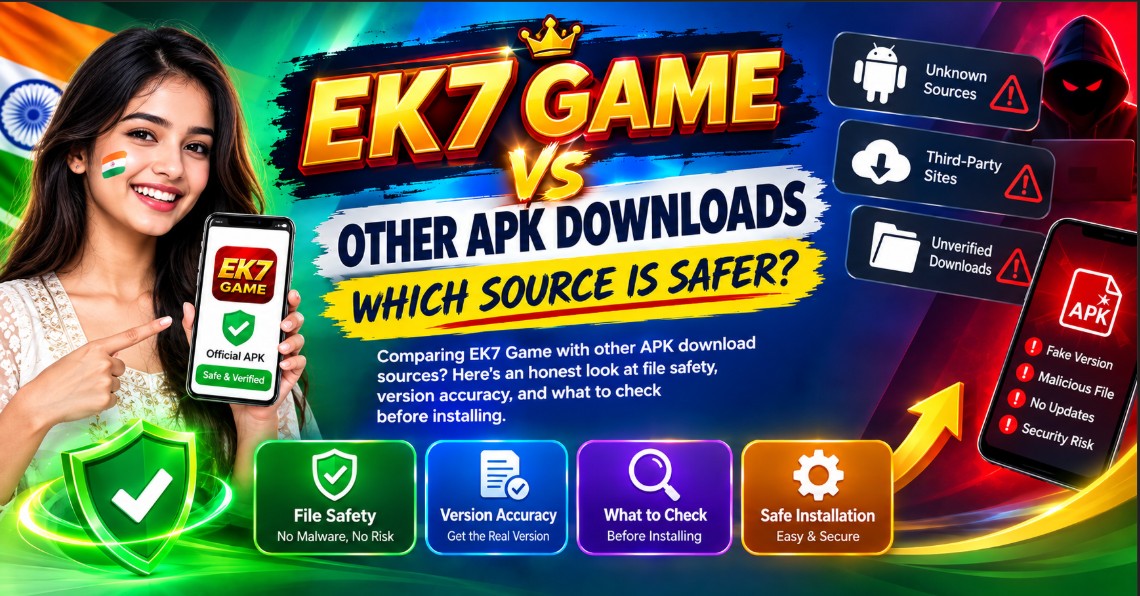
EK7 Game vs Other APK Downloads: Which Source Is Safer?
Not all APK download sources are the same. Some keep files up to date and verify version numbers. Others post outdated files, add unwanted code, or hide the real download behind fake buttons. If you’re looking for the EK7 Game APK, it helps to know what separates a safe source from a risky one.
This comparison is written to help you evaluate any APK source — not just one.
What Most APK Sources Have in Common
Most APK download sites share a few basic features:
- Version numbers listed on the page
- File size shown somewhere before the download link
- Android version requirements mentioned
- Screenshots of the app
Those basics are useful, but they don’t tell you whether the file is safe. You need to look at a few other things.
What to Compare
When you’re comparing APK sources, focus on these five points:
1. File Size Match
The file size on the download page should match the actual file you receive. For EK7 Game v4.8.2, that’s 46.5 MB.
If the downloaded file is much smaller, the download didn’t finish or the file was modified. If it’s much larger, something may have been added.
2. Version Accuracy
The version number shown on the page should match the version inside the APK. You can check this in your phone’s app settings after installing.
Outdated sources often keep old version numbers up for months. That means you’re downloading an older release without knowing it.
3. Android Requirements
Reliable sources list the minimum Android version clearly. For EK7 Game, the requirement is Android 8.0 or higher.
Sources that skip this detail often cause installation failures. Users waste time downloading a file that won’t run on their phone.
4. Page Behavior
Watch how the page behaves when you try to download:
- Good sign: One download button, no redirects, no pop-ups
- Warning sign: Multiple download buttons, fake “Download” ads, redirects to unrelated pages
If you have to click through three or four screens to get the file, that’s a problem.
5. Update History
Reliable sources update their pages when a new version comes out. You’ll see the version number and file size change over time.
Sources that never update tend to sit on old files. If the page still lists a version from a year ago, it’s probably outdated.
What to Check Before Installing Any APK
Whatever source you use, run these checks first:
- Check the file size against what’s listed on the page
- Scan the file with an antivirus app if you’re unsure
- Review permissions during installation — if a simple app asks for contacts or SMS access, stop
- Compare the version number after install — it should match the page
- Avoid modded APKs — modified files often cause crashes and security issues
These checks take a minute or two, but they save you from bigger problems later.
Common Signs of a Risky Source
Walk away from any APK source that does these things:
- Fake download buttons that lead to ads
- Pop-ups asking you to install unrelated apps
- No version number or file size listed
- Comments disabled or full of spam
- Redirects to a different domain before the download starts
- Files bundled with “extra tools” or “installers”
None of these are normal. A legitimate APK download should be a single file, downloaded in one step, with no extras.
Frequently Asked Questions
Is it safe to download APK files from any site?
No. Only download from sources that clearly list version numbers, file sizes, and Android requirements. Avoid sites that use aggressive ads or fake download buttons.
How do I know if an APK file is the right version?
Check the version number on the download page, then verify it in your phone’s app settings after installing. They should match.
Do APK files from different sources vary in size?
Slightly, but not by much. For EK7 Game, anything around 46.5 MB is normal. Files that are much smaller or larger should be treated with caution.
Can I trust APK files shared on Telegram or social media?
Rarely. Files shared in chat groups often lack version information and may be modified. Stick to clear, dedicated download pages.
Does a virus scan guarantee the file is safe?
No. A virus scan is one layer of protection, but it’s not a guarantee. Always check the source, file size, and permissions as well.
A Quick Note Before You Go
We share comparison information only. We don’t host any APK files, and we’re not responsible for how third-party apps behave on your device. You can read the full details on our disclaimer page.
If you believe something on this site shouldn’t be here, please check our DMCA policy for how to reach us. Any information you share with us is handled according to our privacy policy, and by using this site you agree to the rules in our terms and conditions.